UCON

verified Property Managers & Vendors, One Platform

Verified Work. Certified Payments. Zero Compliance Risk.

Create jobs, match compliant vendors, collect before/during/after evidence, and pay only for verified work. Properties, insurance requirements, and full audit trail in one place.
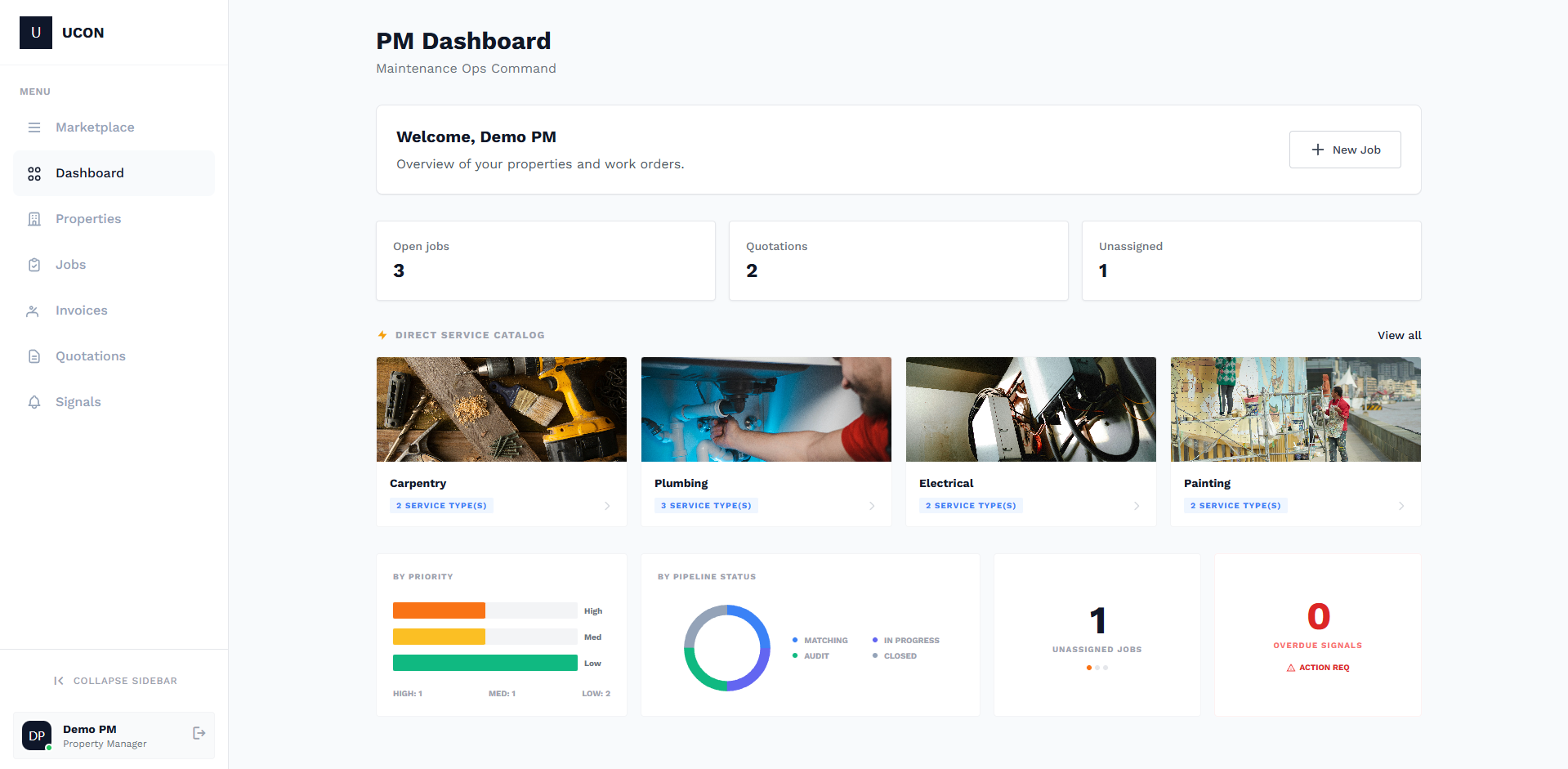
Hero: Dashboard or job workflow screenshot showing property list, job status, and compliance indicators. 16:9, ~1200×675px. Professional UI on light or dark background.

Compliance That Protects Everyone

Property-level insurance requirements, vendor COI tracking, and evidence-based approvals so you only pay for verified work.

check_circle

Green: Compliant

Vendor meets insurance requirements; work verified with before/after evidence. Ready for approval and payment.

warning

Yellow: Action Needed

COI expiring soon or evidence under review. Clear status in the dashboard so you can act in time.

error

Red: Blocked

Non-compliant vendor or missing evidence. Payment blocked until requirements are met.

One Platform, Two Sides

For Property Managers

Add properties with custom insurance requirements (GL, WC, umbrella, additional insured). Create jobs, browse the service marketplace by category and type, send requests to vendors or create quotations and proposals. Award work, review evidence, approve or reject, then pay invoices—all with a full audit trail.

  • task_alt Properties & insurance requirements
  • work Jobs, marketplace, quotations & proposals
  • photo_library Evidence review & approve/reject
  • payments Invoices & payment
Learn more for managers arrow_forward
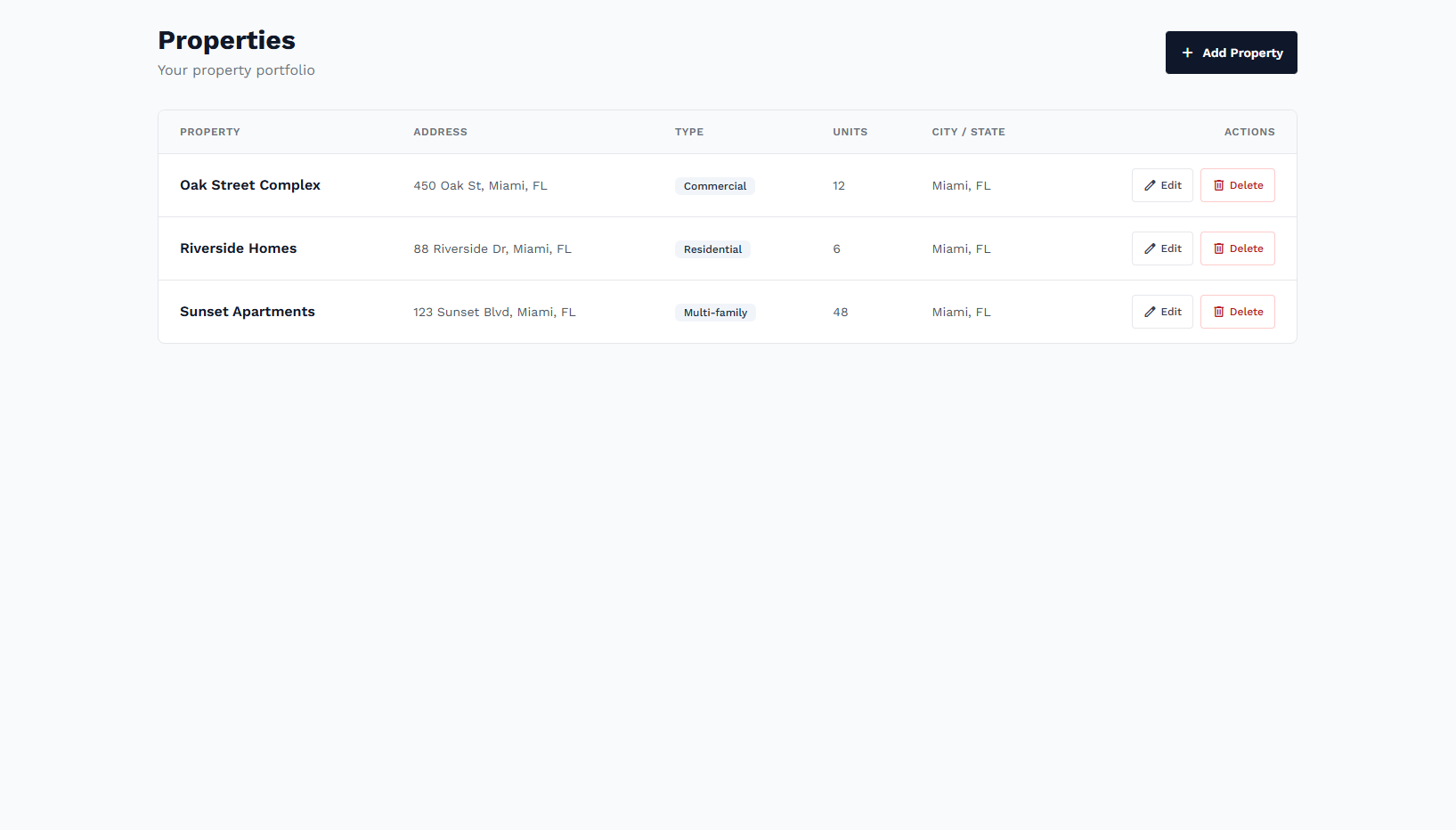
Property manager dashboard: list of properties and jobs with status badges. 4:3, ~800×600px.
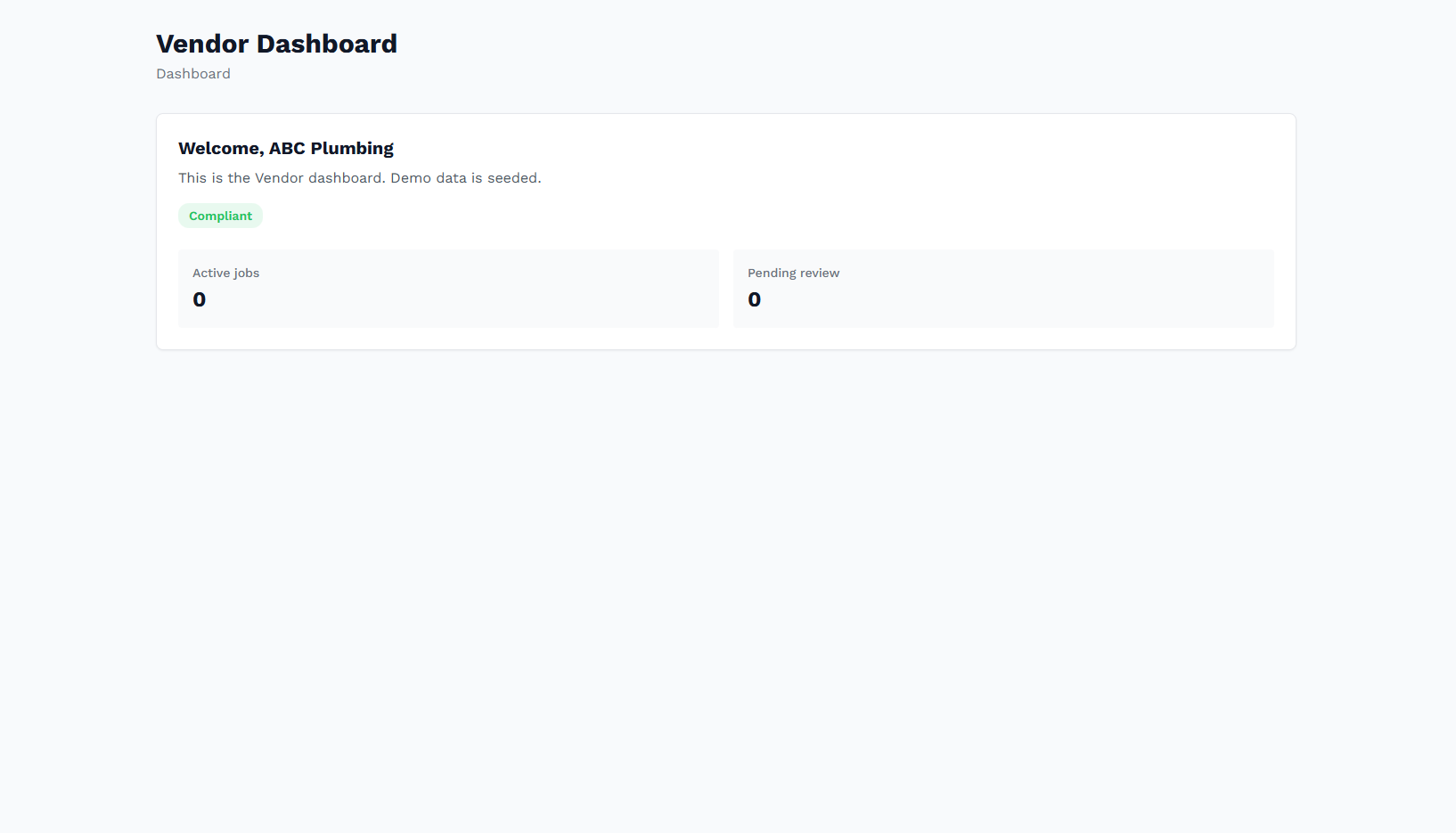
Vendor dashboard: work requests, assigned jobs, and insurance status. 4:3, ~800×600px.

For Vendors

Quick onboarding: profile, service categories, and insurance (GL, WC, umbrella). Receive work requests and proposals, quote or accept. Complete jobs with checklists and before/during/after photo evidence, submit for review, then create and get paid on invoices. Keep COIs up to date in your insurance hub.

  • person_add 3-step onboarding & insurance
  • request_quote Requests, proposals & jobs
  • checklist Checklists & evidence photos
  • receipt Invoicing & payment
Learn more for vendors arrow_forward

From Job to Payment

Create the job, match vendors, collect evidence, approve, and pay—all with compliance built in.

10

Create Job

PM defines scope, property, and service needs; optional marketplace scope.

20

Match Vendors

Send requests to vendors or create proposals; vendors quote or accept.

30

Execute & Evidence

Vendor completes checklist and uploads before/during/after photos.

40

Review & Approve

PM reviews evidence; approve or request changes; status drives payment.

50

Invoice & Pay

Vendor submits invoice; PM pays. Audit trail for every step.

Stop Managing Risk Manually. Start Scaling Securely.

Properties, insurance, jobs, evidence, and payments in one compliant workflow.