Every Job Compliant.
Every Invoice Defensible.
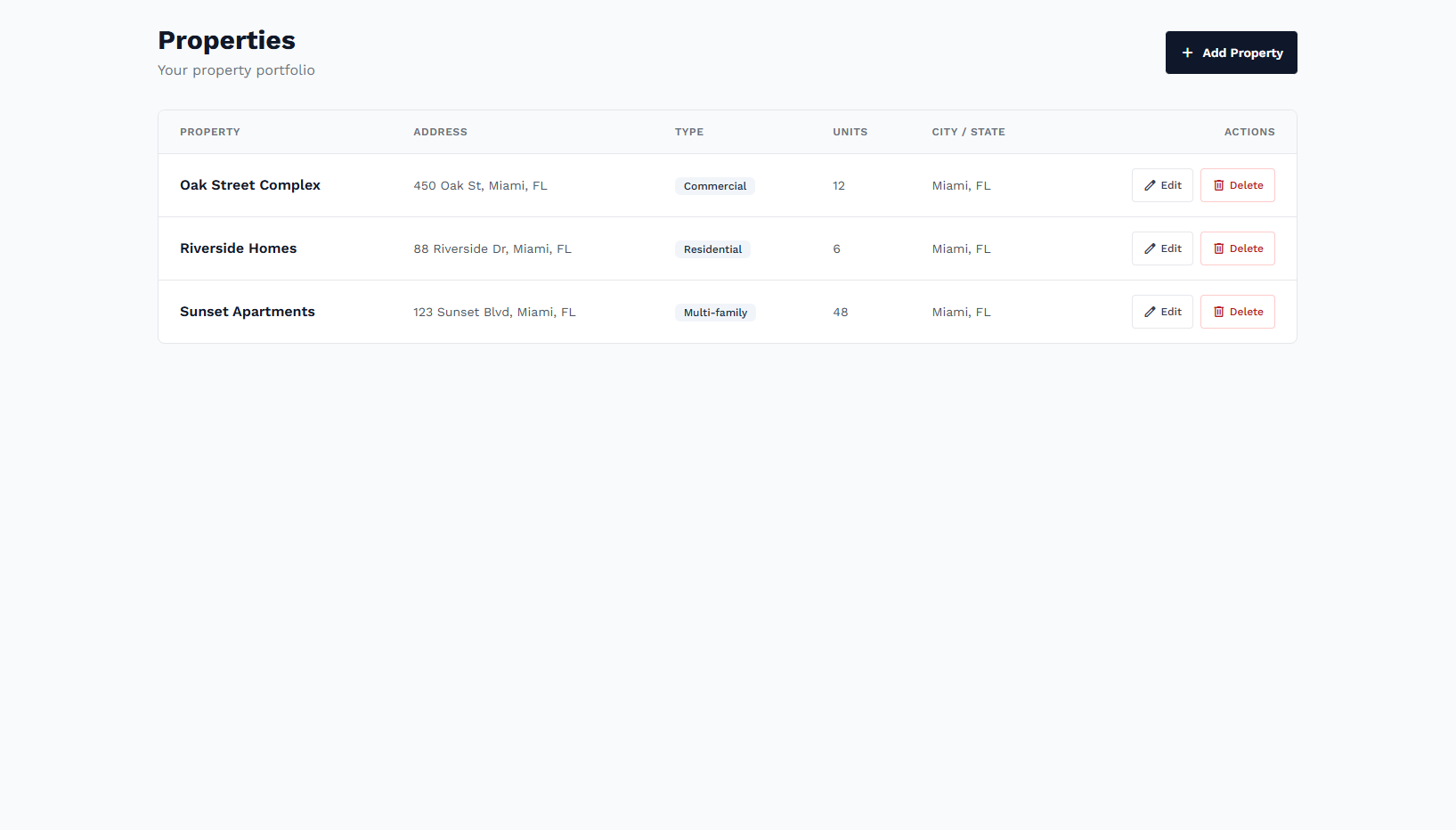
Add properties with insurance requirements (GL, WC, umbrella, additional insured). Create jobs, send requests or build proposals from the marketplace, award vendors, review evidence, and pay only for verified work—with a full audit trail.
Core Platform Benefits
Designed for control over properties, vendors, and compliance.
Properties & Insurance Rules
Define per-property requirements: GL, WC, umbrella, additional insured. Only compliant vendors get work.
Jobs & Vendor Matching
Create jobs, send work requests to vendors, or build scope in the marketplace and create quotations and proposals.
Marketplace & Proposals
Browse by service category and type, add line items, create proposals. Send to vendors, counter, and award.
Evidence Review
Vendors submit before/during/after photos and checklists. Review and approve or reject before payment.
Invoices & Payment
View and pay vendor invoices. Payment tied to approved work and compliance—audit-ready.
Scheduling
Propose and agree on job schedules with vendors. Counter and accept in-app.
The UCON Advantage
One workflow from property to payment.
cancel The Old Way
-
remove_circle_outline
Manual COI Management
Chasing expirations via email and spreadsheets.
-
remove_circle_outline
Liability Gaps
Uninsured or under-insured vendors on site.
-
remove_circle_outline
Disputed Invoices
No proof of work; payment disputes and overpayment.
check_circle The UCON Way
-
verified
Property-Level Requirements
Set GL, WC, umbrella per property; vendors must match to get work.
-
verified
Evidence-Based Approval
Approve or reject after reviewing before/after photos and checklists.
-
verified
Certified Invoices
Pay only for approved work; full audit trail for every job and payment.
Seamless Workflow
From property setup to close-out in one system.
Properties
Set insurance requirements
Create Job
Or build from marketplace
Match & Award
Requests or proposals
Evidence
Review & approve
Pay
Invoice & close
Marketplace & scope
Browse service categories and types, pick variants, and build your scope. Create a quotation or turn it into a proposal to send to vendors. Improve scope with AI, attach documents, then send. Counter and award—all without leaving UCON.
Evidence & approval
Vendors upload before, during, and after photos and complete checklists. You review evidence on the job page, then approve or reject. Only approved work moves to invoicing—so every payment is defensible.
Run Your Properties With Confidence
Properties, insurance rules, jobs, marketplace, evidence, and payments in one compliant platform.
Request a Personalized Demo