Get Work That Fits. Get Paid for Verified Work.
Onboard once with your profile, service categories, and insurance. Receive work requests and proposals, complete jobs with checklists and photo evidence, then invoice and get paid—all in one place.
How Vendors Work on UCON
From signup to payment: one workflow for requests, jobs, evidence, and invoicing.
3-step onboarding
Profile (company, trade, radius), service categories you offer, and insurance (GL, WC, umbrella). Get compliant and visible to property managers.
Requests & proposals
Receive work requests to quote or decline. View proposals with attachments, accept or counter. Get awarded jobs and manage scheduling in one dashboard.
Evidence & invoicing
Complete job checklists, upload before/during/after photos, and submit for review. Once approved, create your invoice and get paid. Keep COIs current in your insurance hub.
Stay Compliant, Get More Work
Property managers on UCON only see vendors who meet their insurance requirements. Keep your GL, WC, and umbrella up to date in the insurance dashboard so you stay eligible for jobs and payments.
Insurance hub
GL, WC, Umbrella
- check_circleEligible for property-manager work requests
- check_circlePayments released only when compliant
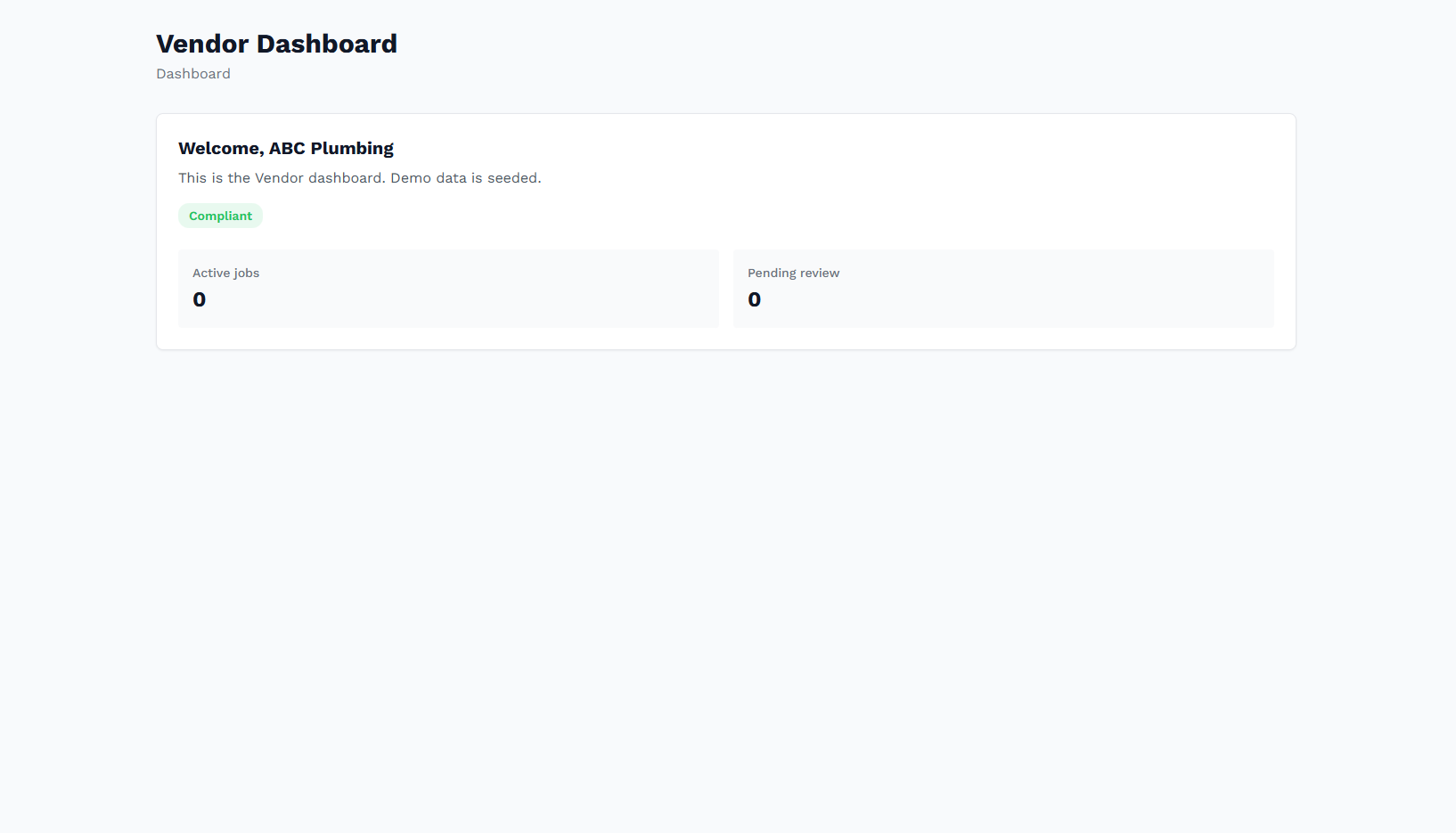
Your workflow at a glance
Onboard
Profile, skills, insurance
Requests
Quote or decline
Proposals
Accept or counter
Jobs
Checklist + evidence
Invoice
Get paid
Turn Your Work Into Proof
Onboard in minutes with profile, service categories, and insurance. Start receiving work requests from property managers who value compliance.
Start Vendor Onboarding